
Advent of Cyber 2025 – Day 2 Walkthrough
Question 1
What is the password used to access the TBFC portal?
To get started with today’s activity, we will need to spin up the target machine as well as either the AttackBox or our own VM to attack with. I will use the AttackBox in this walkthrough to demonstrate how to complete the challenges natively, but the primary difference is that if you want to use your own machine, you will need to VPN in (using openvpn) and copy the script to your own computer.
Note: I generally prefer to use my own Kali VM instance because doing so helps to keep my tools updated (I usually update every day) and also ensures that any new tools that I use get installed locally on my machine. Regardless when I use a new tool for the first time, I always start taking notes about any commands and features that I use!
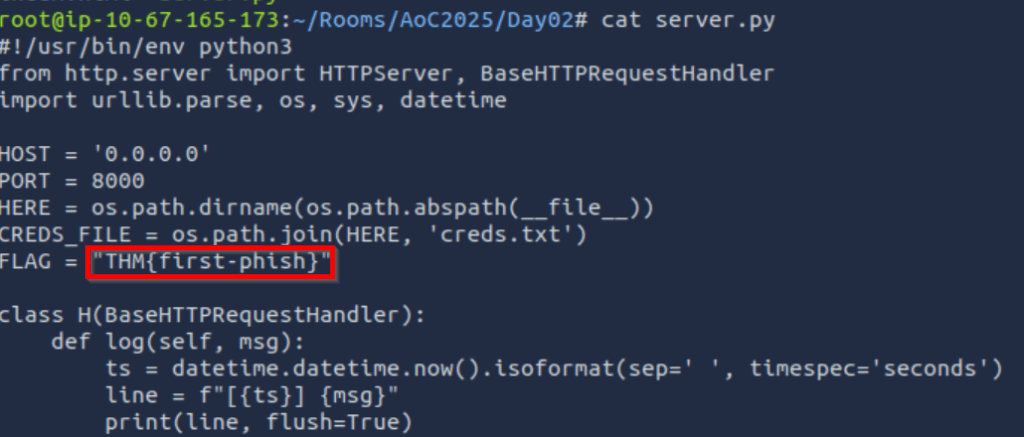
Let’s start by accessing the script at ~/Rooms/AoC2025/Day02:

It’s always a good idea to read any scripts before running them. Note that this also a mandatory step if you aren’t using a commercial grade software from a well-known company and are using it for commercial purposes. You always need to know what software is going to do, or at least have a very high degree of trust in it before running it for professional use.
Interestingly, I found a flag that isn’t required to complete the room:
Next, start the server:

This is a phishing web server that tries to trick a victim into entering their credentials. We can use the loopback IP address (127.0.0.1) to see what a victim would see:
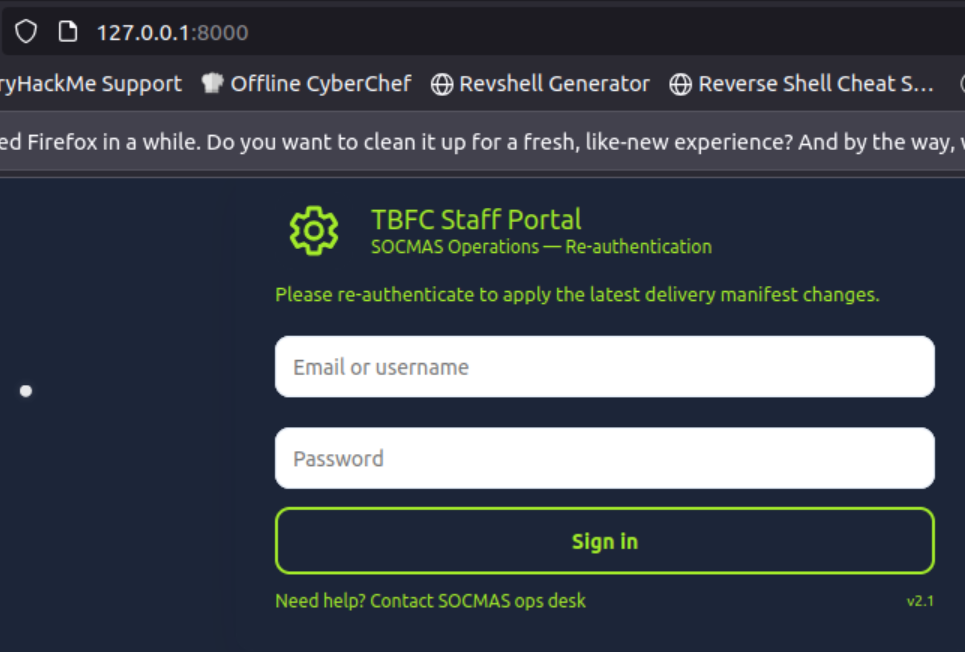
This type of attack is common, and it’s likely that the attacker would simply clone the actual login page in a real attack (by copying the page source or using a cloning tool).
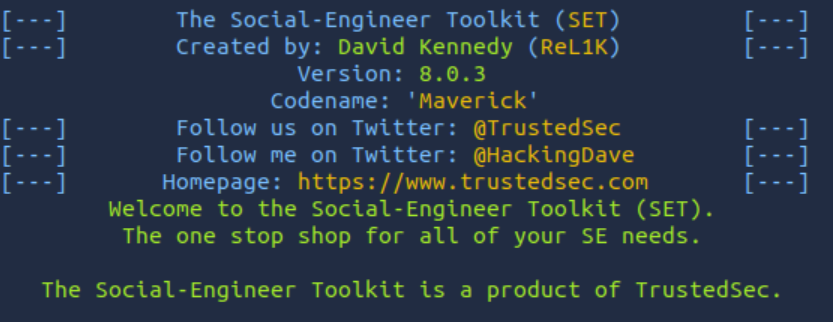
In a new terminal tab, run the ‘setoolkit’ command – you can be in any directory to run it:
Enter ‘1’ to enter the Social Engineering menu:
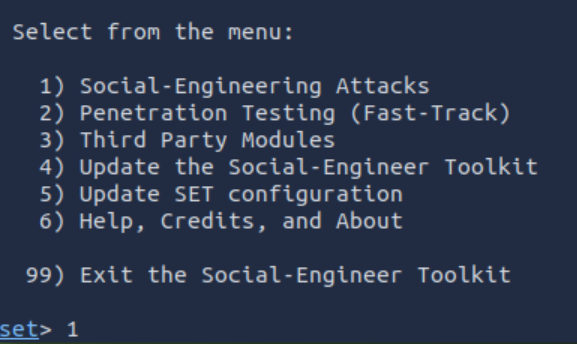
Then enter ‘5’ to enter the Mass Mailer Attack menu:
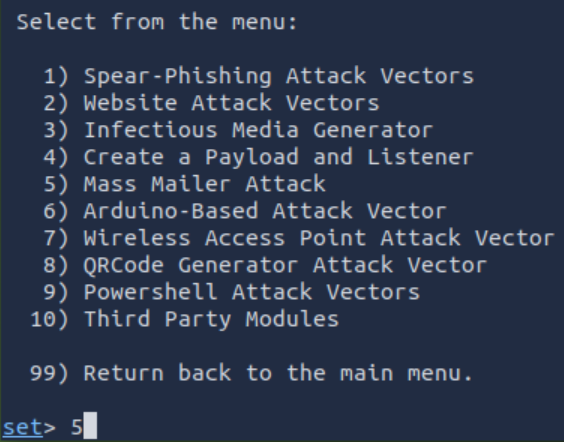
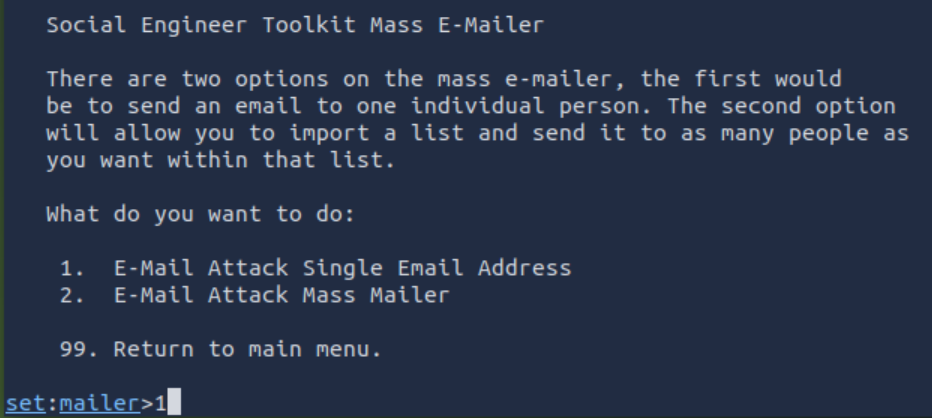
Then we will enter ‘1’ to attack a single email address:
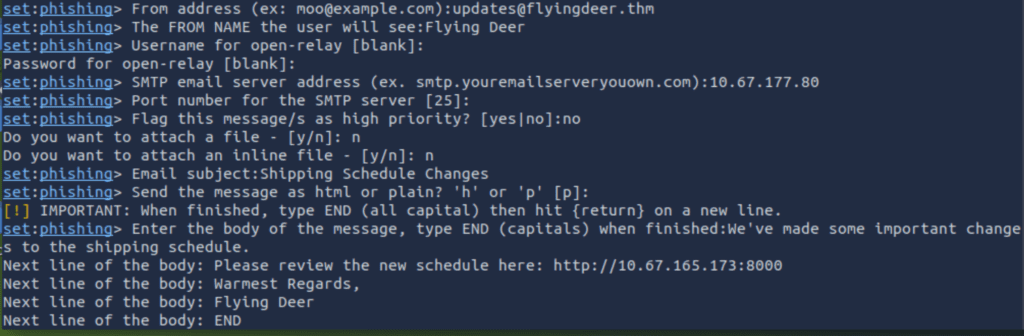
Enter the next options as instructed. Note that you will be entering the IP address of your own AttackBox instance:
Now let’s go back to the tab running our server and wait for credentials to roll in:

Answer Hint:
This will be the same as the password that we get for the admin user. If you aren’t getting credentials returned, don’t close the server! Go back and carefully run the attack again, confirming that you’re using the correct information. It may take a few minutes to obtain the credentials anyway, so it’s a good idea to start preparing to launch your second attack. Note that in a real engagement, you would need to be more careful and selective about your attacks – but in this case, it doesn’t matter. It should only take a few minutes to obtain the credentials if you’ve done it properly.
Question 2
Browse to http://MACHINE_IP from within the AttackBox and try to access the mailbox of the factory user to see if the previously harvested admin password has been reused on the email portal. What is the total number of toys expected for delivery?
Next let’s log in to the RoundCube email server running on the target computer and make sure you’re using the factory user:
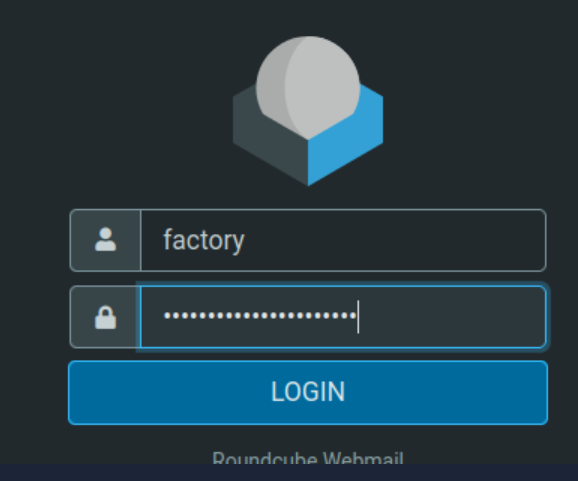
Using a previously identified password to target a different account is known as a password spraying attack. Anytime you obtain a valid password, you’ll want to try it against known usernames for a given target. In this case, we targeted the factory@wareville.thm email address with a fake Staff Login page (using the script). They would have entered the admin:<password> credentials that we identified, but they would have clicked the link in the email sent to factory@wareville.thm. Therefore this would be the same user, and users very often use the same email addresses.
Once you’ve gotten access, check the Urgent email:
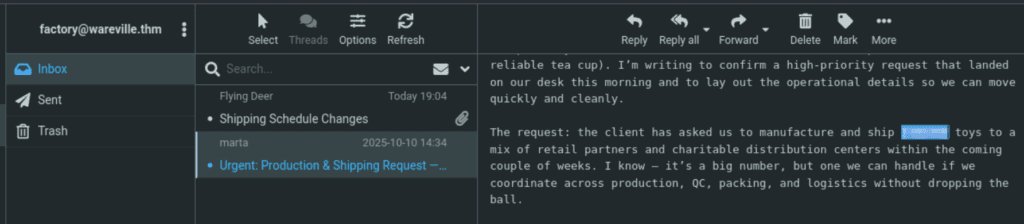
Answer Hint:
Make sure you’re using the password to login as the factory user. This is the same email address that we targeted with our phishing attack.