
Advent of Cyber 2025 – Day 9 Walkthrough
Question 1
What is the flag inside the encrypted PDF?
I first confirmed the file type using the ‘file’ command. This command is susceptible to error given that it uses magic numbers, but it’s a good starting point:

After confirming that this PDF requires a password to open, I used ‘pdf2john’ to generate a hash:

In order to crack the hash, we need to save it as a file. I always use a .hash extension and descriptive name for easy reference:

Now I can crack the hash contained in the pdf_flag.hash file using john the ripper. This cracked in less than a second:
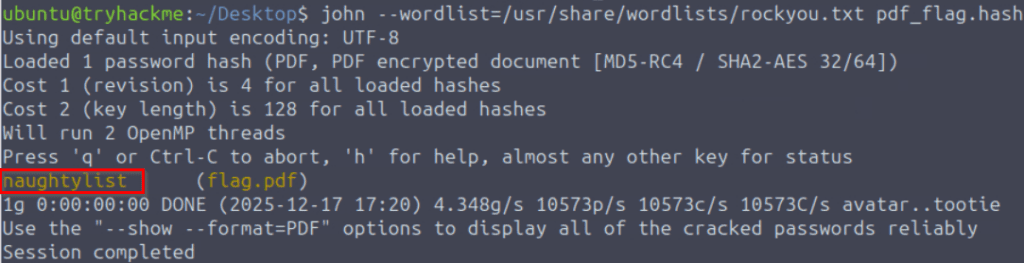
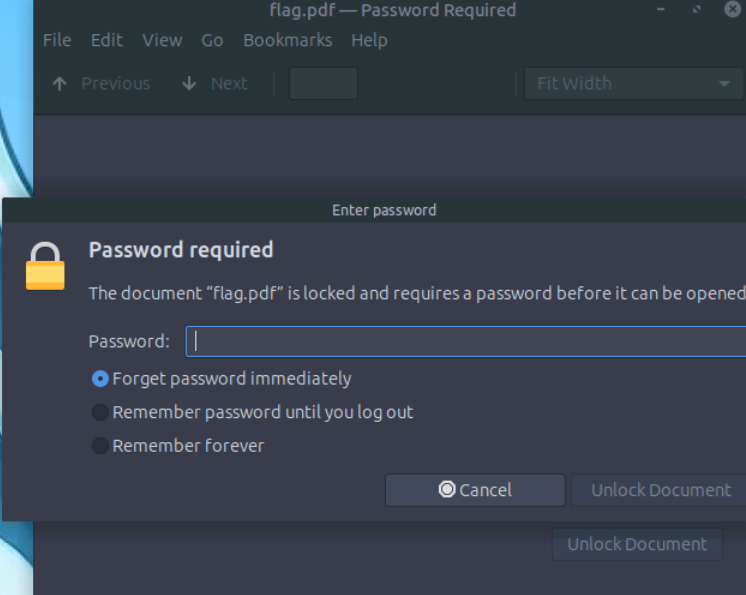
I used the password to open the PDF and get the flag!
Answer Hint:
Remember that in order to use John the Ripper, you need to have the file’s hash (generated from pdf2john) saved in a file. Then run John to crack the password and use that password to open the PDF!
Question 2
What is the flag inside the encrypted zip file?
This challenge is almost identical to the last one. First I confirmed the file type:

Next I generated a hash using ‘zip2john’:

I used John the Ripper to crack this hash:
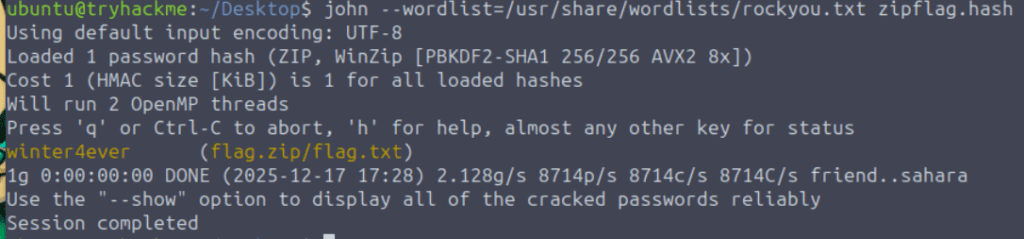
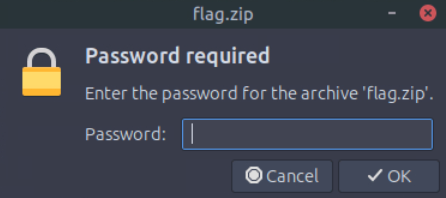
I used this password to successfully extract the contents of the zip:
Finally, I read the ‘flag.txt’ file to get the flag!

Answer Hint:
In this first example, the password was needed to access the PDF file. In this example, we need it to extract the contents of a ZIP file. Use zip2john to generate and save a hash, then crack the hash using John the Ripper.